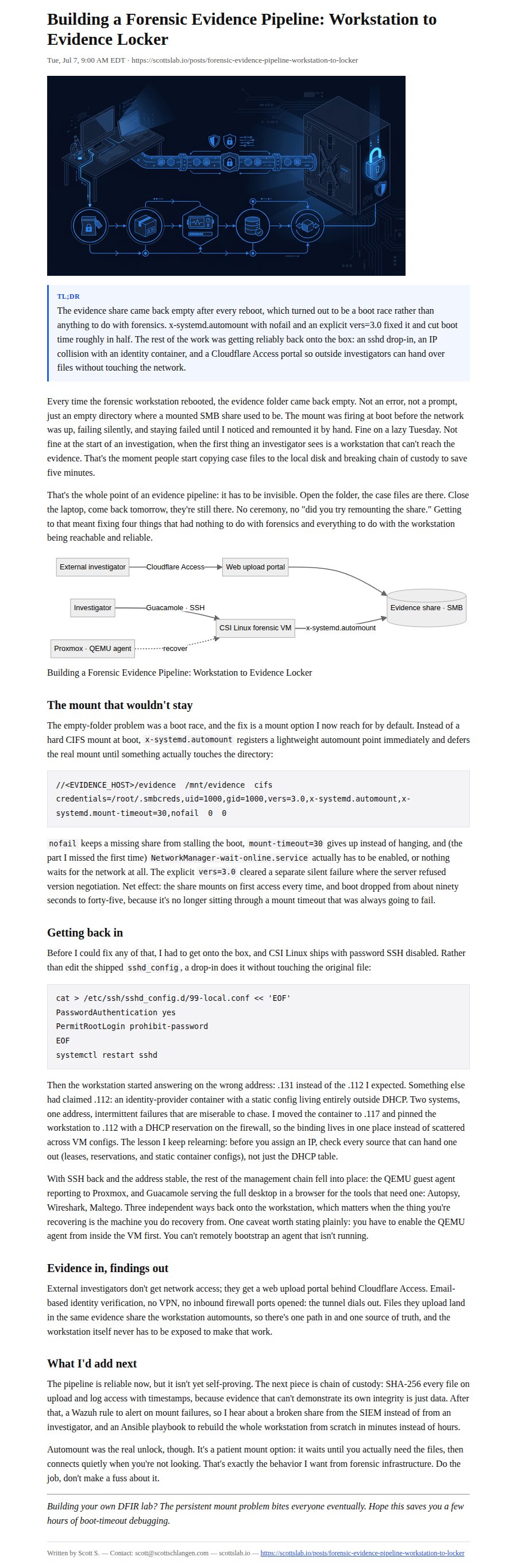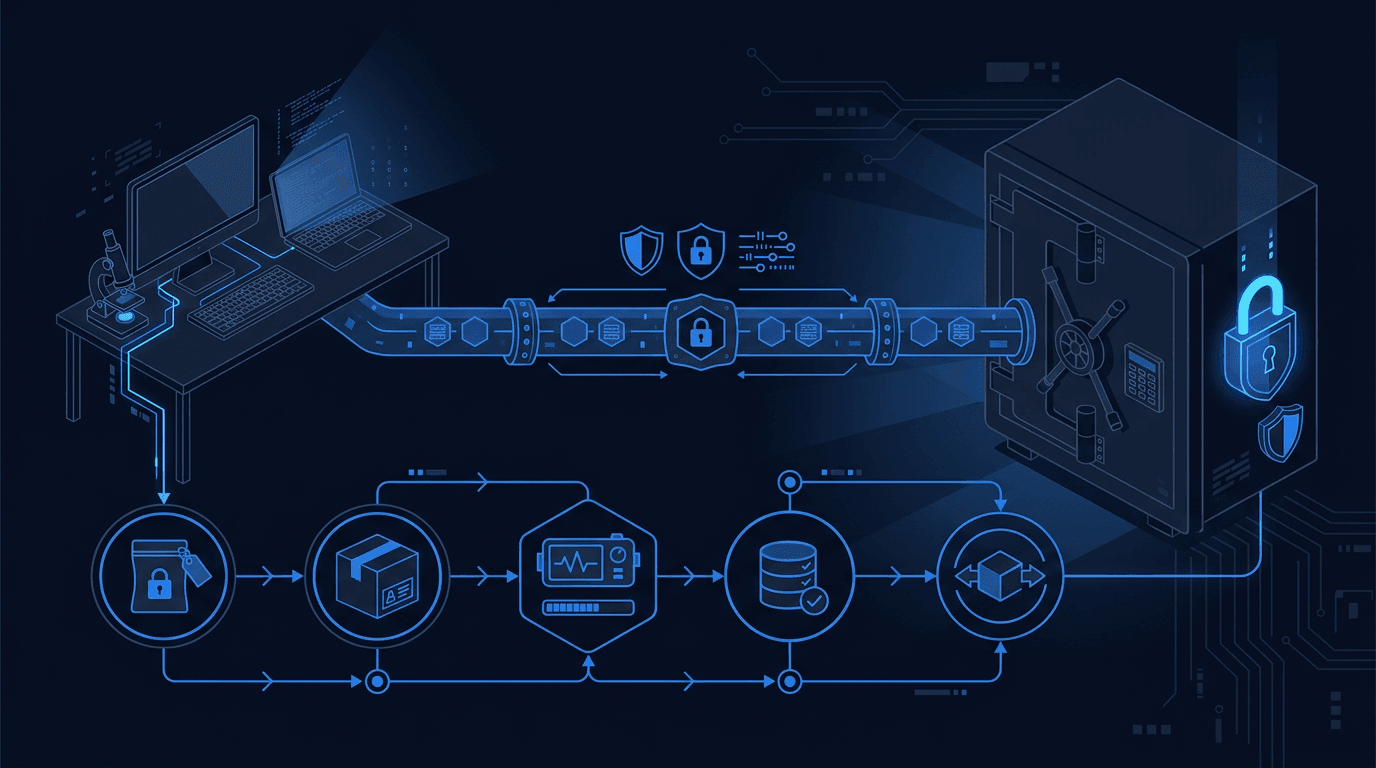
Building a Forensic Evidence Pipeline: Workstation to Evidence Locker
Published: February 2026 Category: Digital Forensics Reading Time: 12 minutes
Executive Summary
- Fixed persistent SMB evidence share mount on forensic workstation using systemd automount - zero manual intervention after boot
- Resolved IP address conflict where an identity provider container had stolen the forensic workstation's IP
- Restored SSH access via drop-in config (password auth was disabled by default)
- Established web upload portal behind Cloudflare Access for external investigators with email-based authentication
- Achieved full remote management chain: SSH + QEMU guest agent + Guacamole web desktop
Goal
Problem: My forensic workstation couldn't reliably access the centralized evidence repository after reboots. Every time the VM restarted, I had to manually mount the evidence share before investigators could access case files. This was a race condition - the mount attempted before the network was fully up, failed silently, and stayed failed.
Why it mattered: During an active investigation, the last thing you want is infrastructure troubleshooting. Investigators need to open their workstation, navigate to the evidence folder, and start working. If the mount is broken, they're either stuck waiting for IT support or - worse - they start copying evidence locally and break chain of custody. A forensic evidence pipeline must be invisible and reliable.
Scope and Constraints
In Scope
- Persistent SMB mount from forensic workstation to evidence share
- SSH access restoration for remote administration
- IP address conflict resolution
- QEMU guest agent connectivity for Proxmox management
- Web upload portal authentication for external investigators
Out of Scope
- Evidence share server configuration (already operational)
- Forensic tool installation on the workstation
- Case management software integration
- Chain-of-custody logging (future improvement)
Key Constraints
- No boot delays - Failed mounts cannot stall the boot process
- Zero manual intervention - Evidence must be accessible without investigator troubleshooting
- Preserve existing access - External investigators already using the web portal cannot be disrupted
- Forensic integrity - No changes that could compromise evidence handling
Tools and References
| Tool | Role in This Project |
|---|---|
| CSI Linux | Forensic workstation distribution - purpose-built for DFIR investigations |
| Samba/CIFS | Network file sharing protocol for evidence share access |
| systemd automount | Lazy mounting - defers mount until first directory access |
| Cloudflare Access + Tunnels | Zero-trust authentication for web upload portal |
| pfSense | DHCP reservations, IP address management |
| Proxmox | VM hypervisor hosting the forensic workstation |
| QEMU guest agent | In-VM agent for remote management (shutdown, IP reporting, etc.) |
References:
- systemd.automount man page
- Cloudflare Access Documentation
- CSI Linux Documentation
- Samba CIFS Mount Options
Approach
Phase 1: Diagnose the Mount Failure
What I did: SSH'd into the forensic workstation (after fixing SSH access - see Phase 3) and checked mount status, systemd service logs, and fstab configuration.
Why: The symptom was "evidence folder empty after reboot" but the root cause could be anywhere: network timing, authentication, share availability, or fstab syntax.
Phase 2: Fix the Fstab Entry
What I did: Added systemd automount options to the fstab entry: x-systemd.automount, nofail, and x-systemd.mount-timeout=30. Enabled NetworkManager-wait-online.service.
Why: The original fstab entry attempted a hard mount at boot time. If the network wasn't ready (common in VMs), the mount failed. Automount creates a lightweight kernel mount point immediately, then triggers the real CIFS mount only when something actually accesses the directory.
Phase 3: Restore SSH Access
What I did: Created a drop-in config file at /etc/ssh/sshd_config.d/ to enable password authentication and permit root login for initial setup.
Why: CSI Linux ships with password auth disabled for security. That's fine for a workstation, but I needed remote access to troubleshoot. Drop-in configs are cleaner than editing the main sshd_config.
Phase 4: Resolve IP Conflict
What I did: Discovered the forensic workstation was getting .131 instead of its expected .112. Traced the conflict to an identity provider container that had a static IP config claiming .112. Moved the container to .117, created a DHCP reservation for the forensic workstation at .112.
Why: Two systems claiming the same IP causes intermittent connectivity failures that are maddening to debug. DHCP reservations (MAC-to-IP binding) on the firewall are more maintainable than static configs scattered across VMs.
Phase 5: Verify Remote Management Chain
What I did: Confirmed QEMU guest agent was running, tested Proxmox VM controls (shutdown, reboot), verified Guacamole web desktop access through the existing tunnel.
Why: The full management chain (SSH + QEMU agent + web desktop) means I can recover from almost any failure state without physical console access.
Implementation Notes
Fstab Entry with Automount (Sanitized)
# /etc/fstab - Evidence share mount
//<EVIDENCE_HOST>/evidence /mnt/evidence cifs credentials=/root/.smbcreds,uid=1000,gid=1000,vers=3.0,x-systemd.automount,x-systemd.mount-timeout=30,nofail 0 0
Key options explained:
x-systemd.automount- Creates automount point, real mount on first accessx-systemd.mount-timeout=30- Give up after 30 seconds instead of hangingnofail- Don't fail boot if mount failsvers=3.0- Explicit SMB version (some servers require this)
SSH Drop-in Config (Sanitized)
# Create drop-in directory if needed
mkdir -p /etc/ssh/sshd_config.d/
# Create override config
cat > /etc/ssh/sshd_config.d/99-local.conf << 'EOF'
# Local overrides for forensic workstation
PasswordAuthentication yes
PermitRootLogin prohibit-password
EOF
# Restart SSH
systemctl restart sshd
Assumption: The base sshd_config includes Include /etc/ssh/sshd_config.d/*.conf (standard on modern distros).
DHCP Reservation Pattern (Sanitized)
# pfSense DHCP reservation (conceptual)
Hostname: <FORENSIC_WS>
MAC Address: <WS_MAC_ADDRESS>
IP Address: <WS_IP_ADDRESS>
Description: Forensic workstation - CSI Linux
# Verify no IP conflicts before assigning:
# 1. Check DHCP leases
# 2. Check static mappings
# 3. Check container configs (they may have static IPs outside DHCP)
# 4. Ping the IP to see if anything responds
Enable Network Wait Service
# Enable the service that waits for network before continuing boot
systemctl enable NetworkManager-wait-online.service
# Verify it's enabled
systemctl is-enabled NetworkManager-wait-online.service
Validation and Evidence
Signals That Proved It Worked
| Check | Before | After |
|---|---|---|
| Evidence share after reboot | Empty folder (mount failed) | Contents visible on first access |
| Boot time | ~90s (mount timeout stalls) | ~45s (automount is instant) |
| SSH access | Connection refused | Password auth working |
| IP address | .131 (wrong) | .112 (correct, DHCP reserved) |
| QEMU guest agent | Not responding | Reporting IP, accepting commands |
Validation Commands (Sanitized)
# Check mount status
mount | grep evidence
# Expected: Shows CIFS mount to evidence share
# Check automount unit
systemctl status mnt-evidence.automount
# Expected: active (running)
# Verify network wait service
systemctl status NetworkManager-wait-online.service
# Expected: enabled, ran successfully at boot
# Test evidence access
ls /mnt/evidence/
# Expected: Case folders visible (triggers mount if not already mounted)
# Verify IP address
ip addr show | grep <EXPECTED_IP>
# Expected: Correct IP on primary interface
Results
| Metric | Outcome |
|---|---|
| Mount Reliability | 100% - automount triggers correctly on every access |
| Boot Time Impact | Reduced from ~90s to ~45s (no mount timeout stalls) |
| Manual Intervention | Zero - investigators just open the folder |
| IP Stability | DHCP reservation prevents future conflicts |
| Remote Management | Full chain operational (SSH + QEMU + Guacamole) |
| External Access | Web portal functional with Cloudflare Access auth |
What I Learned
x-systemd.automount is the correct pattern for network mounts. It creates a kernel automount point that triggers the real mount on first access. No boot timing issues, no race conditions, no stalled boots.
NetworkManager-wait-online.service exists for a reason. Disabling it breaks any boot-time network dependency. If something needs the network at boot (mounts, NTP, DNS), this service must be enabled.
Always check the IP map before assigning addresses. Multiple systems can claim the same IP through different mechanisms: DHCP reservation, static container config, DHCP lease, or manual assignment. Check all of them.
QEMU guest agent is a prerequisite for remote VM management. Without it, you need console/VNC access to bootstrap anything. Can't remotely enable an agent that isn't running.
SSH drop-in configs are cleaner than editing sshd_config. Files in
/etc/ssh/sshd_config.d/override the main config without touching it. Easier to track changes, easier to revert.SMB protocol version negotiation can fail silently. Some servers require explicit
vers=3.0in mount options. If mounts fail for no apparent reason, try forcing a specific version.DHCP reservations beat static IPs in VMs. Centralized management on the firewall, no config drift inside VMs, easy to see all assignments in one place.
For forensic workstations, invisible infrastructure is critical. Investigators shouldn't troubleshoot mounts during an active case. Evidence access must be automatic and reliable.
Cloudflare Access + Tunnels is excellent for zero-trust service exposure. External investigators can access the upload portal with email auth, no VPN required, no firewall ports opened.
FreeBSD tools have different syntax than GNU. Commands that work on Linux (like
sed -i) fail on pfSense. Always test before scripting.
What I Would Improve Next
P0 (Do This Week)
- Mount failure alerting - Add Wazuh custom rule to alert if evidence share mount fails (watch for mount errors in syslog)
P1 (Do This Month)
- Forensic workstation Ansible playbook - Automate the entire workstation setup so rebuilding the VM takes minutes, not hours
- Read-only evidence mount - Create separate SMB share with read-only permissions for review-only investigators
- QEMU guest agent auto-start - Configure via Proxmox VM settings so it survives reboots without manual intervention
P2 (Do This Quarter)
- Chain-of-custody logging - Log all evidence file access with timestamps and user IDs to a separate audit log
- Evidence checksumming - Auto-hash files on upload for integrity verification
- Case folder templates - Auto-generate standard forensic directory structure when creating new cases
- Tailscale backup access - Add mesh VPN path to evidence share for remote investigators if Cloudflare is unavailable
Common Failure Modes
"Evidence folder is empty after reboot" - Check if automount unit is active (
systemctl status mnt-evidence.automount). If not, verify fstab hasx-systemd.automount. Try accessing the folder to trigger mount."Mount times out during boot" - NetworkManager-wait-online.service may be disabled. Enable it and ensure
nofailis in fstab so timeout doesn't stall boot."SSH connection refused" - Check if sshd is running and whether password auth is enabled. Look for drop-in configs that may override settings.
"Wrong IP address after reboot" - Another device may have the IP statically configured. Check DHCP leases, static mappings, and container configs. Create DHCP reservation with MAC binding.
"QEMU guest agent not responding" - Agent may not be installed or running inside the VM. Requires console/VNC access to fix - can't bootstrap remotely without it.
Security Considerations
Evidence Integrity
- SMB share uses authenticated access (credentials file with restricted permissions)
- Cloudflare Access provides identity verification for external investigators
- Future: chain-of-custody logging and checksumming will provide tamper evidence
Access Control
- SSH password auth enabled only for initial setup - consider switching to key-only after configuration
- DHCP reservations prevent IP spoofing within the trusted network
- Web upload portal requires email-based authentication through Cloudflare Access
Network Segmentation
- Evidence share is on internal network, not directly exposed to internet
- Cloudflare Tunnel provides external access without opening firewall ports
- Future: consider dedicated forensics VLAN for additional isolation
Credential Management
- SMB credentials stored in file with 600 permissions (root read-only)
- Cloudflare Access tokens managed by Cloudflare, not stored locally
- SSH keys preferred over passwords for ongoing access
Runbook
If Evidence Share Won't Mount
- Check automount status -
systemctl status mnt-evidence.automount- should be active - Try manual mount -
mount /mnt/evidence- watch for error messages - Verify credentials - Check credentials file exists and has correct permissions (600)
- Test network connectivity -
ping <EVIDENCE_HOST>- ensure share server is reachable - Check SMB service - Verify Samba is running on the evidence server
If IP Address Is Wrong
- Check current IP -
ip addr show - Release and renew DHCP -
dhclient -r && dhclient - Verify DHCP reservation - Check firewall for MAC-to-IP mapping
- Look for conflicts - Search for other devices claiming the same IP
- Reboot VM - Sometimes DHCP client needs a fresh start
Rollback Procedure
# Revert fstab to simple mount (not recommended, but possible)
# Edit /etc/fstab, remove x-systemd.automount and nofail
# systemctl daemon-reload
# Disable network wait if causing boot delays
# systemctl disable NetworkManager-wait-online.service
# Remove SSH overrides
# rm /etc/ssh/sshd_config.d/99-local.conf
# systemctl restart sshd
Appendix
Glossary
| Term | Definition |
|---|---|
| CIFS | Common Internet File System - SMB protocol for network file sharing |
| Automount | Kernel feature that defers mounting until directory is accessed |
| DHCP Reservation | Firewall config that assigns a specific IP to a MAC address |
| QEMU Guest Agent | In-VM service that communicates with the hypervisor |
| Chain of Custody | Documentation trail showing who handled evidence and when |
| Zero-Trust | Security model that verifies every access, regardless of network location |
| Drop-in Config | Override file that supplements main config without modifying it |
MITRE ATT&CK Mapping
| Technique ID | Name | Relevance to This Project |
|---|---|---|
| T1039 | Data from Network Shared Drive | Evidence share is a network drive - securing access prevents unauthorized evidence collection |
| T1021.002 | Remote Services: SMB/Windows Admin Shares | SMB hardening (authentication, version enforcement) prevents unauthorized share access |
| T1078 | Valid Accounts | SSH password auth and Cloudflare email auth are account-based - credential security matters |
| T1530 | Data from Cloud Storage | Web upload portal stores evidence - integrity and access control are critical |
| T1565 | Data Manipulation | Chain-of-custody logging (future) will detect evidence tampering attempts |
Detection Logic Summary
| Detection | Tool | Logic | Notes |
|---|---|---|---|
| Mount failures | Wazuh | Watch syslog for CIFS mount errors | P0 improvement - not yet implemented |
| Unauthorized share access | SMB audit logs | Failed authentication attempts | Requires SMB audit logging enabled |
| Evidence upload | Cloudflare Access logs | All uploads logged with identity | Already operational |
| Privilege escalation | Wazuh | SSH login monitoring | Standard Wazuh rules apply |
Artifacts Produced
- Config: Fstab Entry - Evidence share mount with automount options
- Config: SSH Drop-in - Password authentication override for remote access
- Config: DHCP Reservation - MAC-to-IP binding for forensic workstation
- Documentation: IP Address Map - Updated with correct assignments for all hosts
- Verification: Mount Test Script - Commands to validate evidence share accessibility
Bigfoot Sign-Off
Evidence handling is like tracking through fresh snow - you want to observe everything without leaving your own prints everywhere.
A forensic investigator who has to mount shares, fix IPs, and troubleshoot SSH before they can start working? That's contamination of a different kind. Not the legal kind, but the kind that wastes time, breaks focus, and makes people take shortcuts they shouldn't.
The whole point of this pipeline is invisibility. Open the folder, the evidence is there. Close the laptop, go home, come back tomorrow - the evidence is still there. No ceremony, no incantations, no "did you try rebooting the NAS?"
x-systemd.automount is my new favorite mount option. It's patient. It doesn't rush. It waits until you actually need the files, then quietly connects when you're not looking. That's the kind of infrastructure behavior I can respect - do the job, don't make a fuss about it.
Now if you'll excuse me, I need to set up that chain-of-custody logging. Because evidence that can't prove its own integrity is just... data.
— Bigfoot Digital Forensics, ScottsLab "Observing without disturbing since 2023"
Building your own DFIR lab? The persistent mount problem bites everyone eventually. Hope this saves you a few hours of boot-timeout debugging.